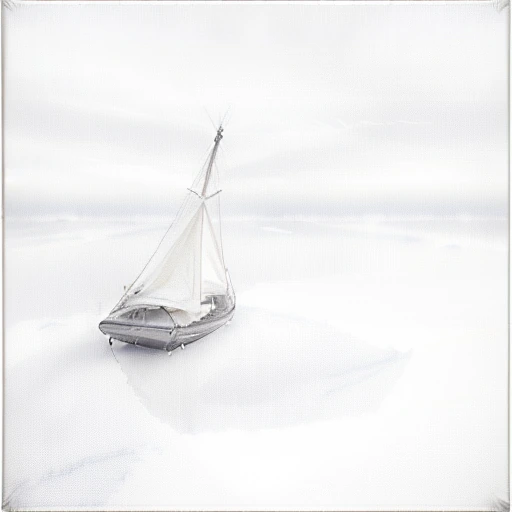
Word emphasis

Weights that change how much effect one part of your prompt has.

Past about 1.5 the weighted phrase starts taking the picture apart

Typical 0.9-1.3

Write a phrase as (a phrase:1.2) and it is weighted by that number.1 has the same effect as writing the phrase with no parentheses. Below 1 reduces its effect; above 1 increases it. A small change, 1.1 or 1.2, is usually enough for a style word.The first set of examples walks one style phrase from 0.5 to 2 and shows where the useful range ends. By 1.5 the style dominates and the shapes start to break down. At 2 the picture is no longer usable.The second set shows what a single gradient cannot. Two phrases are held in one prompt, winter and summer, and traded against each other across the range. Neither is ever removed, and the picture falls wherever the ratio puts it.A weight sets the balance between the parts of your prompt. Raising one weight lowers the effect of everything else, even though you did not change those numbers.Reach for it when one part of a prompt is being ignored or is dominating. Reach for plainer wording first when the whole thing is being read loosely.
Prompt · Interactive explorer word emphasis
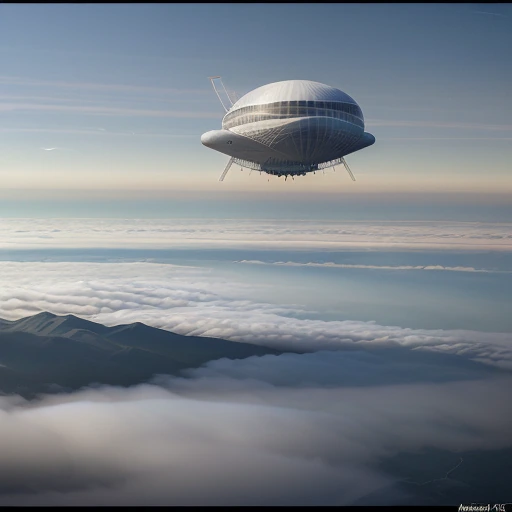
The same picture rendered at 1Prompted with (watercolor painting:1.0) 512 × 512
0.52

Weight 1 is what the phrase would do with no parentheses at all.

Fetching the example images.
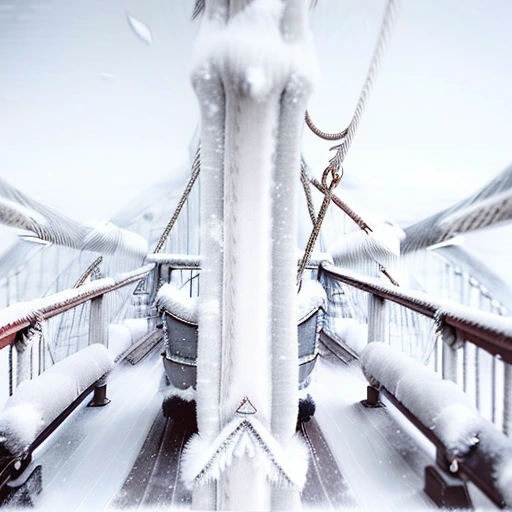
The same picture rendered at winter 1.5 : summer 0.5
word emphasis winter 1.5 : summer 0.5
The same picture rendered at winter 0.5 : summer 1.5
word emphasis winter 0.5 : summer 1.5
word emphasis Weights are a balance between the things you asked for, not a volume control on each.