What Alchemy is for
Alchemy works on a picture you already have. Every operation starts from an image you supply, and they fall into five groups.
Start here
Most people arrive wanting to make a picture bigger, so read that page first. The other four work the same way, on an image you supply. Enlarge a picture
 Describe a picture Reads an image and answers with words, tags or numbers instead of another image.
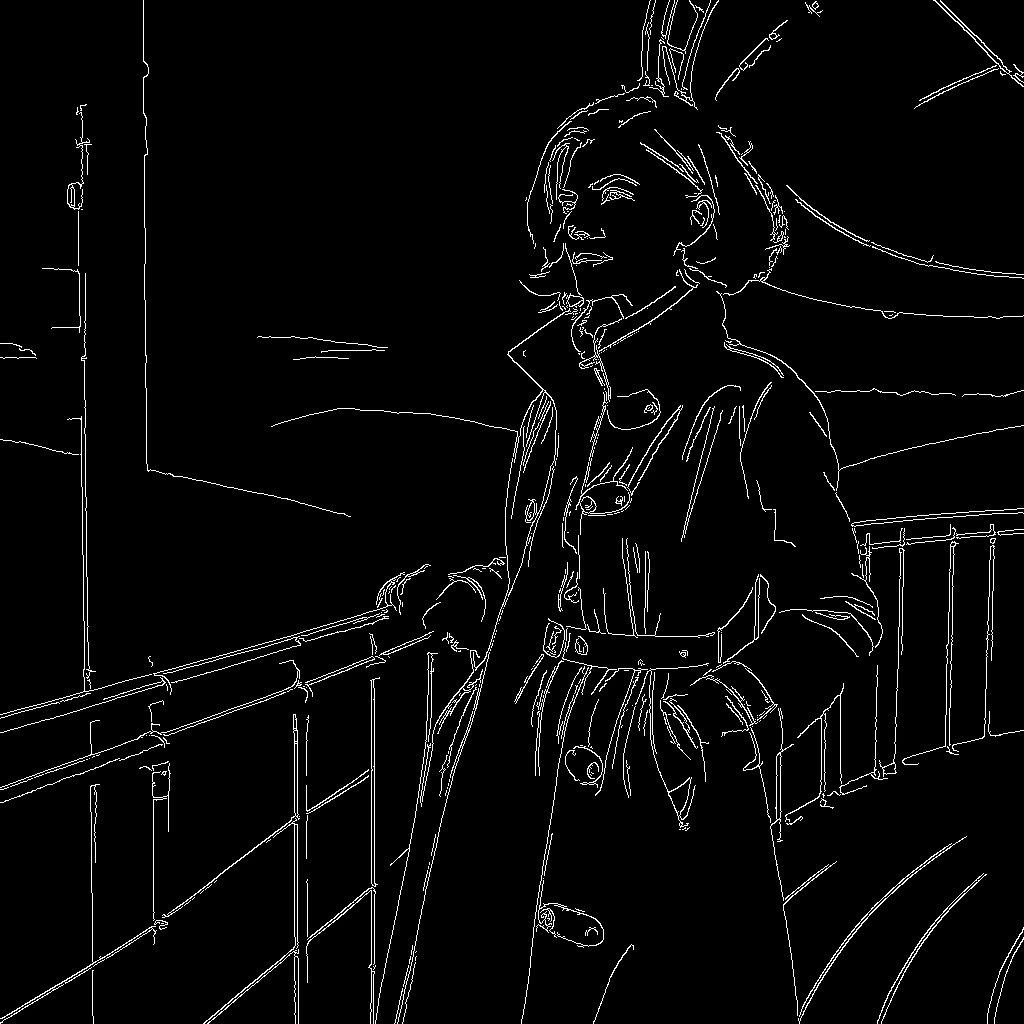 Extract a control map Reads the structure of a picture and returns a new picture of that structure.
 Enlarge a picture Redraws the image at two or four times its size, filling in detail the original never had.
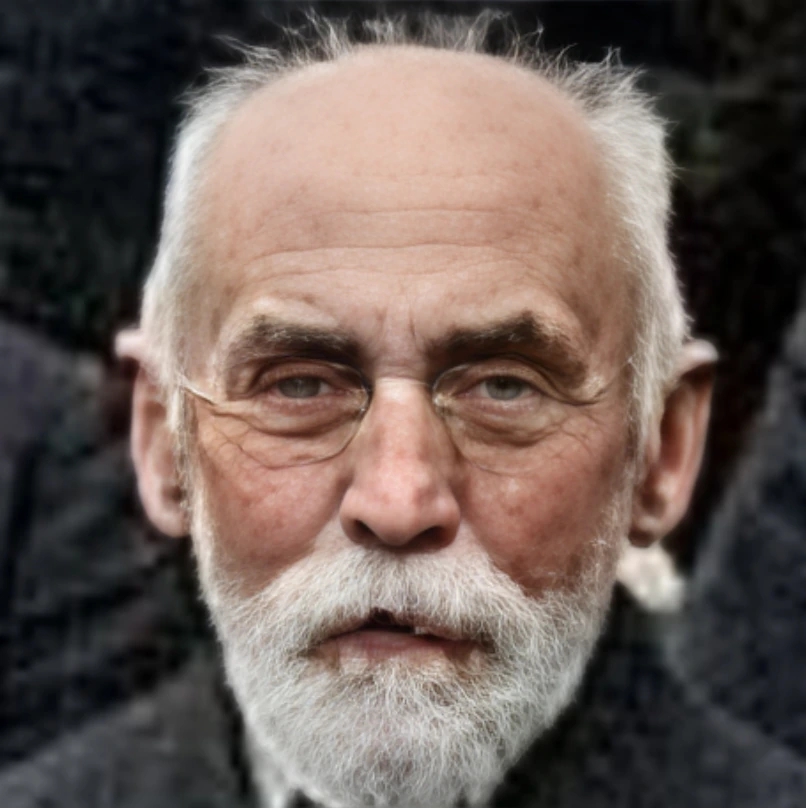 Fix faces Finds faces in the image and redraws them, which is the usual repair for the melted features small images produce.
 Cut out the background Separates the subject from its background and returns a transparent cutout of what is left.