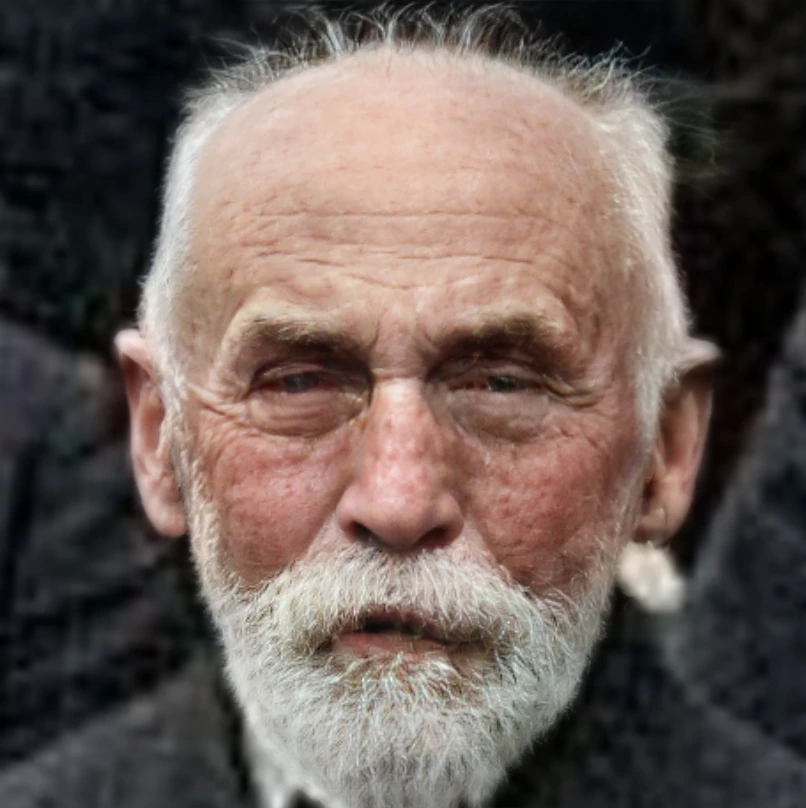
Finds faces in the image and redraws them, which is the usual repair for the melted features small images produce.
GFPGAN rebuilds a face aggressively, and will replace one that was already nearly correct. CodeFormers keeps more of the original and is the safer choice on a portrait you mostly like. Running either over a face that was already correct still changes it, so use one only where a face needs repair.
GFPGAN (face fix)
Fast, general-purpose face restoration. A good default; makes only subtle changes to identity.
GFPGAN v1.3 (face fix)
An earlier GFPGAN version, kept for compatibility. Slightly softer results than current GFPGAN.
CodeFormers (face fix)
Stronger restoration for badly damaged or very low-resolution faces. Can alter identity or fine details more than GFPGAN.
RestoreFormer (face fix)
Favours fidelity to the original face over aggressive fixing, a gentler alternative to CodeFormers.
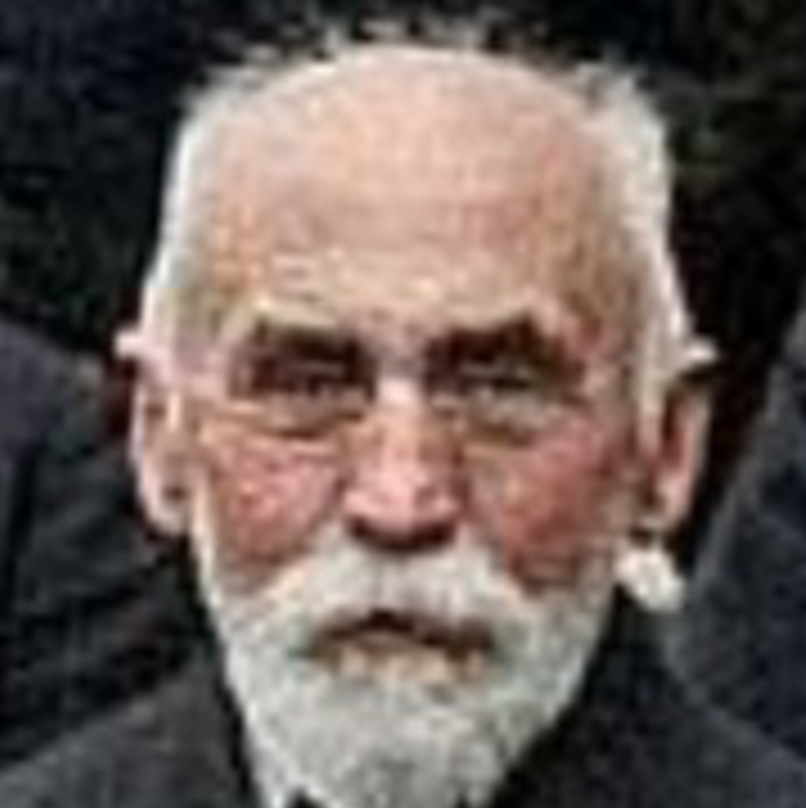
The source is a deliberately degraded portrait, the blurred and compressed kind of photograph face restoration was built to repair. A face that is already sharp would show nothing.
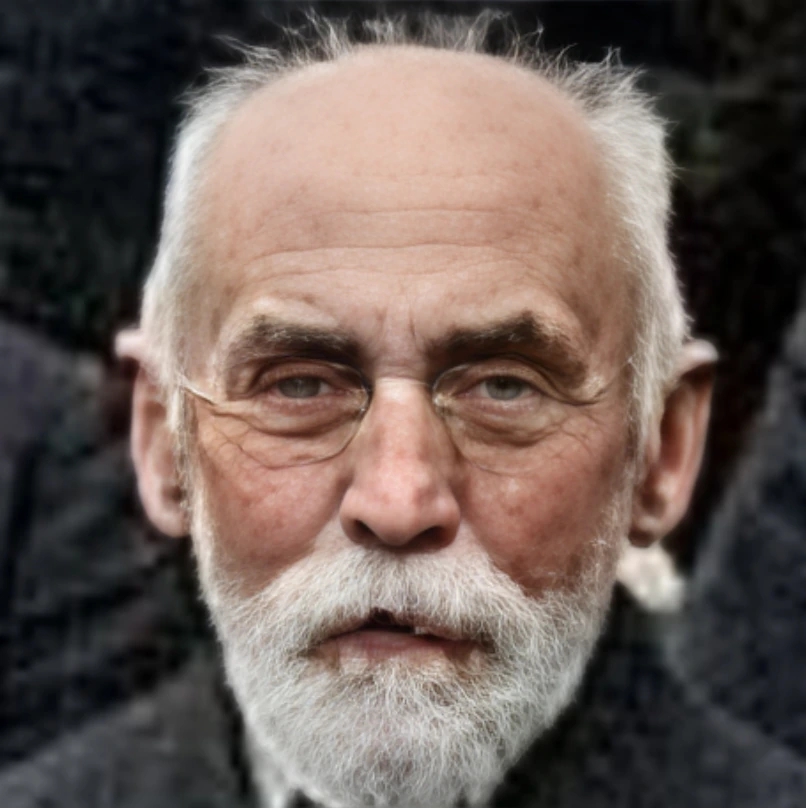
CodeFormers (face fix) CodeFormers
806 × 808 Source 806 × 808 Result
The same degraded portrait as the GFPGAN entry. CodeFormer trades identity for fidelity differently, which is the comparison the shared source is here to make.
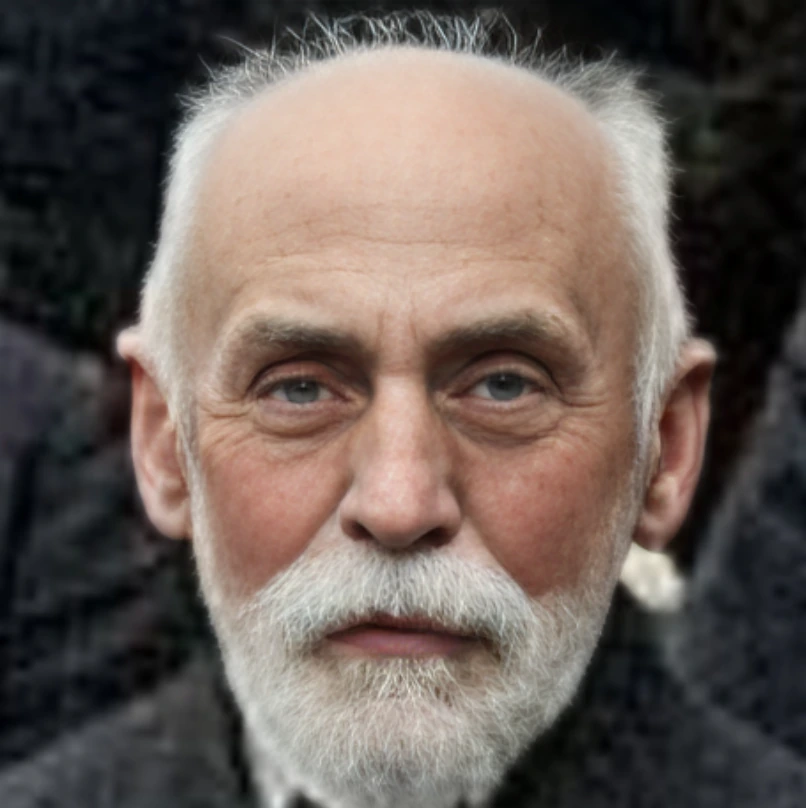
GFPGAN v1.3 (face fix) GFPGANv1.3
806 × 808 Source 806 × 808 Result
The predecessor GFPGAN weight, more faithful to the face it was given than the default.
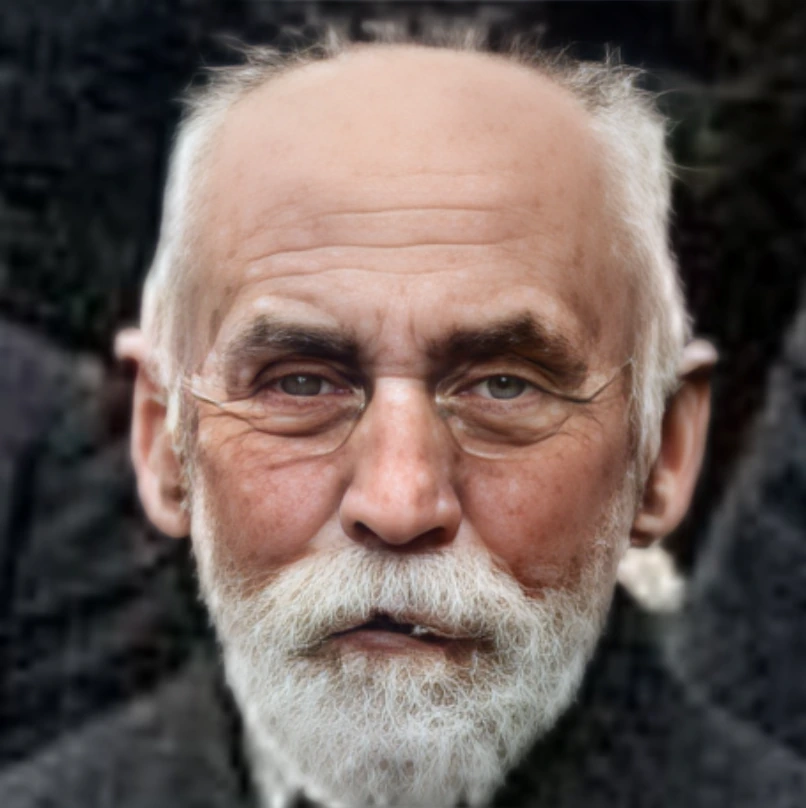
RestoreFormer (face fix) RestoreFormer
806 × 808 Source 806 × 808 Result
A transformer-based restorer that leans towards realism rather than towards smoothing.