Redraw only the part you paint over, starting from what is already underneath it.
Turn on “Paint a mask” in image-to-image and the brush appears. Everything you do not paint comes back untouched, pixel for pixel.What makes this different from is what happens under the brush. Here the original is kept as the starting point, so means the same thing inside the mask as it does anywhere else: a light pass at low values, a full replacement near 1. Inpainting erases the masked area before it begins, and has nothing to keep.So the choice between them is really a question about intent. Restyling a coat that should still be that coat is this mode. Replacing it with something else is inpainting.The examples show the two side by side on one picture and one mask. In the masked image-to-image set, the strength changes the result as you would expect. In the inpainting set it changes almost nothing.Two things to know before you spend on it. It needs a Stable Diffusion 1.5, 2 or XL model. And it cannot be combined with : with a mask attached the enlarging pass never runs and the picture comes back at the smaller size it was drawn at.
Source image · Interactive explorer Painting a mask
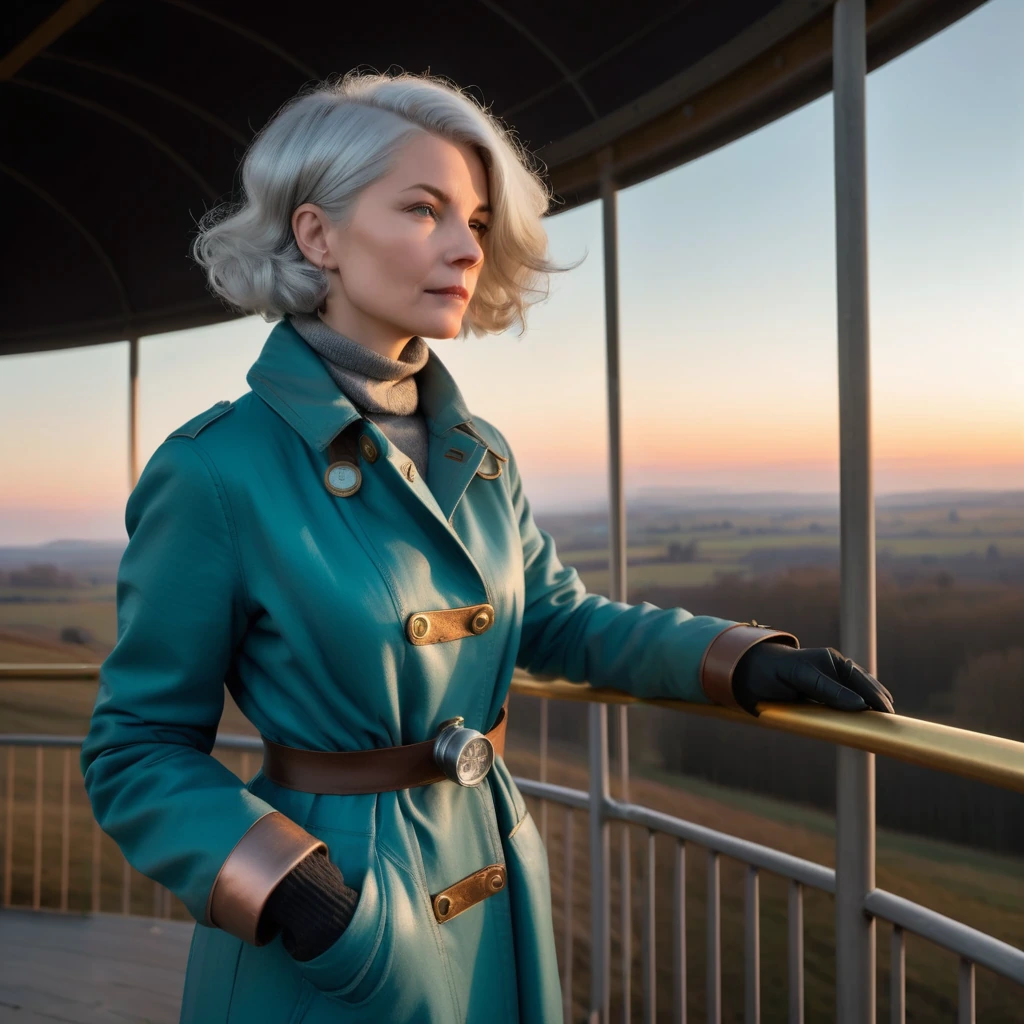
Painting a mask 0.6 1024 × 1024
0.15Drag to compare1
Still recognisably the same garment, with the prompt now deciding most of its surface.