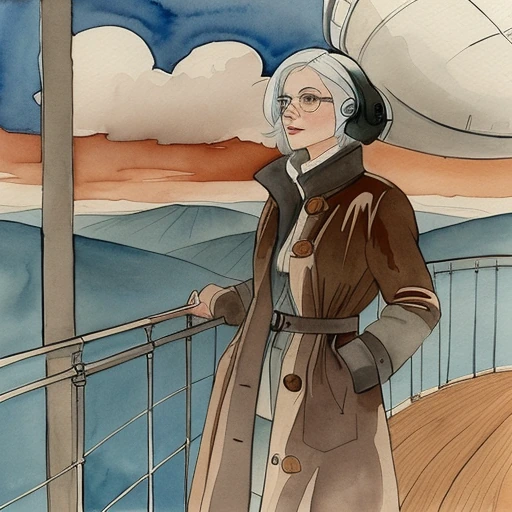
How closely the image follows the control map a detector drew from your picture.
Typical 0.5-0.9Default 1
A detector draws a control map from your picture, and control strength says how closely the image follows that map. Leave it unset on your first try. The request then carries nothing for it, and the worker uses its own value of 1, which already follows the map closely. When you want a looser hold, 0.5 to 0.9 is the range worth trying.Below 0.25 the map barely matters: the image is close to what the prompt alone would give. Between 0.25 and 0.5 you can see the map guiding the image, and most detectors change little above 0.5. The sparse maps, binary and scribble, need up to 0.75. The mlsd (straight lines), openpose and shuffle detectors keep changing the picture at every value, because their maps describe only part of it. The tile and recolor detectors stop changing anything above about 1. Above about 1.75 the colours start to look washed out. The example pictures here were made on local software, one set per detector.The field takes 0.01 to 3, and only with a control type set or with the QR code workflow, which applies a control map of its own. A request that carries a strength with neither is refused. Only workers that were updated recently are handed a request that sets it, so setting one narrows the group of workers that can take the job.
Source image · Interactive explorer Control strength