Hires fix

Renders at the model's native size first, then upscales that image and refines it.

Costs time Costs kudos Cures duplicated subjects at large sizes
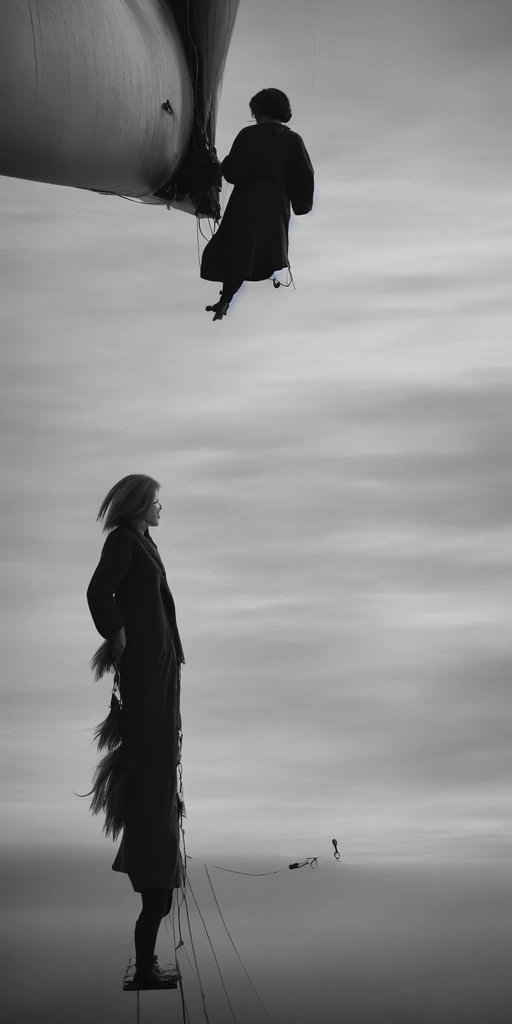
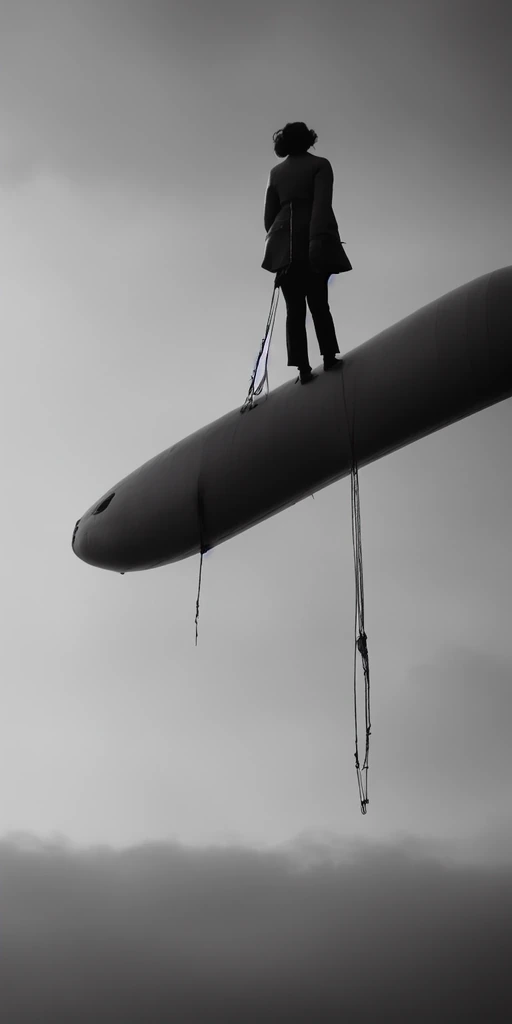
Asking a model for a picture much larger than it was trained on is what produces two heads and three legs. At that scale it no longer knows what a whole body looks like, so it paints several.The hires pass avoids this by generating small, where the model is competent, and repainting the enlarged version. It costs a second pass of time and kudos.The panel suggests it when a Stable Diffusion 1.5 model is asked for more than 768 pixels on either side.
Size · Interactive explorer Hires fix
The same picture rendered at Off
Hires fix Off
The same picture rendered at On
Hires fix On
The same picture both ways 768 × 1536

Generated in one pass at the full requested size. Past the model's comfortable size, this can duplicate details, stretch anatomy, or split one subject into several.Generated smaller first, then enlarged and redrawn. The first pass decides the composition, so the final image is more likely to stay coherent.

Fetching the example images.

Both settings together, side by side
Requested size, top to bottom. This model was trained at 512. Hires-fix off, then on.
Size down × Hires fix across Hires fix Off Hires fix On
Size 768
Size 1024
Size 1536
Size 2048

Requested size, top to bottom. This model was trained at 512. Hires-fix off, then on.

Every square is the same request, the same prompt and the same seed. The washed-out pictures in the column without hires fix are that request asked for at a size the model was not trained at; the hires fix column is what the second pass makes of the same ask.

Pick any picture to see it larger. Arrow keys move between them.